[DELTA FORCE三角洲行動] RD網頁雷達輔助教學
⚠️務必請提前完成以下前置(一次性)⚠️
0. (通用前置作業)(沒做完整可能導致封禁/開不起來等問題)
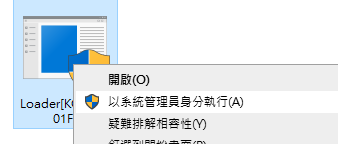
1. 右建管理員開啟輔助
![[DELTA FORCE三角洲行動] RD網頁雷達輔助教學 1 image 16](https://letcheat.net/wp-content/uploads/2026/05/image-16.png)
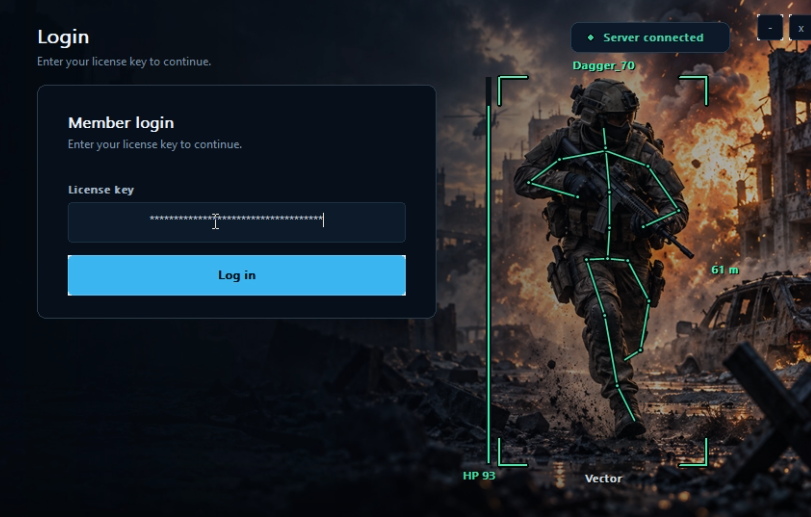
2. 輸入密鑰後Log in
![[DELTA FORCE三角洲行動] RD網頁雷達輔助教學 2 image 42](https://letcheat.net/wp-content/uploads/2026/05/image-42.png)
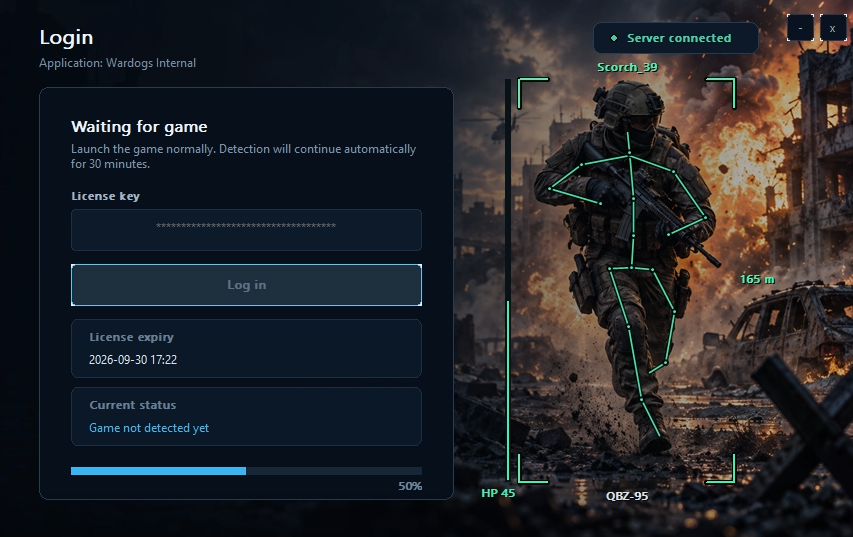
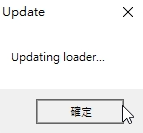
3. 跳出”更新注入器”時等待,安裝完後會自動跳出新視窗。
– 如果一直出不來新視窗請下載WARP1111後連線,注入後即可關閉連線。
![[DELTA FORCE三角洲行動] RD網頁雷達輔助教學 3 image 18](https://letcheat.net/wp-content/uploads/2026/05/image-18.png)
4.出現Game not detecyed yet時開啟遊戲
![[DELTA FORCE三角洲行動] RD網頁雷達輔助教學 4 image 43](https://letcheat.net/wp-content/uploads/2026/05/image-43.png)
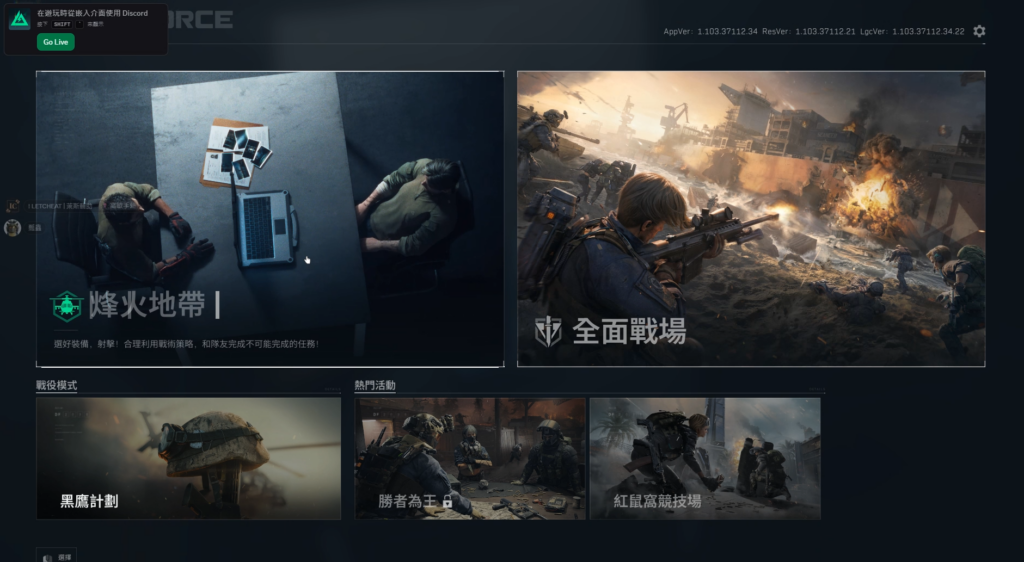
5.到主選單後按HOME開始注入,注入通常卡住1分鐘。
![[DELTA FORCE三角洲行動] RD網頁雷達輔助教學 5 image 20](https://letcheat.net/wp-content/uploads/2026/05/image-20-1024x562.png)
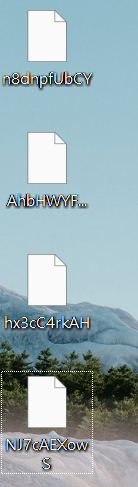
6.桌面會有一個隨機命名文件文件,複製它的名子(每次使用都會有新的 請複製最新的)。
⚠️如果沒出現檔案,請檢查前置/或者桌面被OneDrive取代了,把OneDrive刪除。
![[DELTA FORCE三角洲行動] RD網頁雷達輔助教學 6 image 39](https://letcheat.net/wp-content/uploads/2026/05/image-39.png)
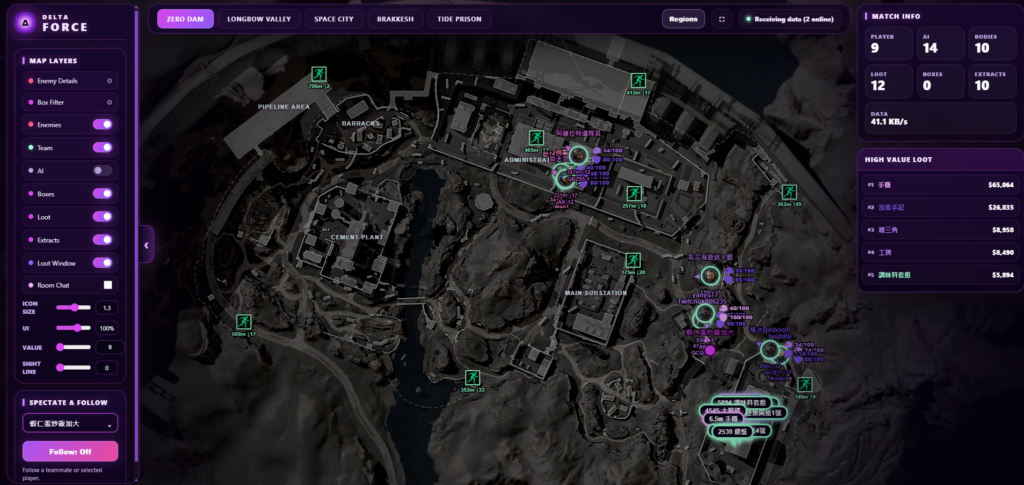
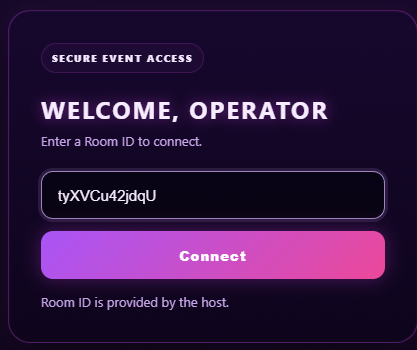
7.進入雷達網站(https://radar.dfradar.xyz/),把剛剛複製的名子輸入到ID空格後點Connect,出現地圖後代表成功。
![[DELTA FORCE三角洲行動] RD網頁雷達輔助教學 7 image 25](https://letcheat.net/wp-content/uploads/2026/05/image-25.png)
![[DELTA FORCE三角洲行動] RD網頁雷達輔助教學 8 image 26](https://letcheat.net/wp-content/uploads/2026/05/image-26-1024x485.png)